
Avast Antivirus
Avast Antivirus is a free antivirus program from Avast Software for Windows, also available for macOS, Android and other platforms.
0.9 GB

AdwCleaner is a free Windows tool from Malwarebytes for finding and removing adware, unwanted programs and browser hijackers.
Average 0.0 · ratings: 0
Thank you! Your rating is saved; you can change it. Could not save the rating. Please try again later. Too many ratings from your network today. Please try again tomorrow. The average appears after 5 ratings.
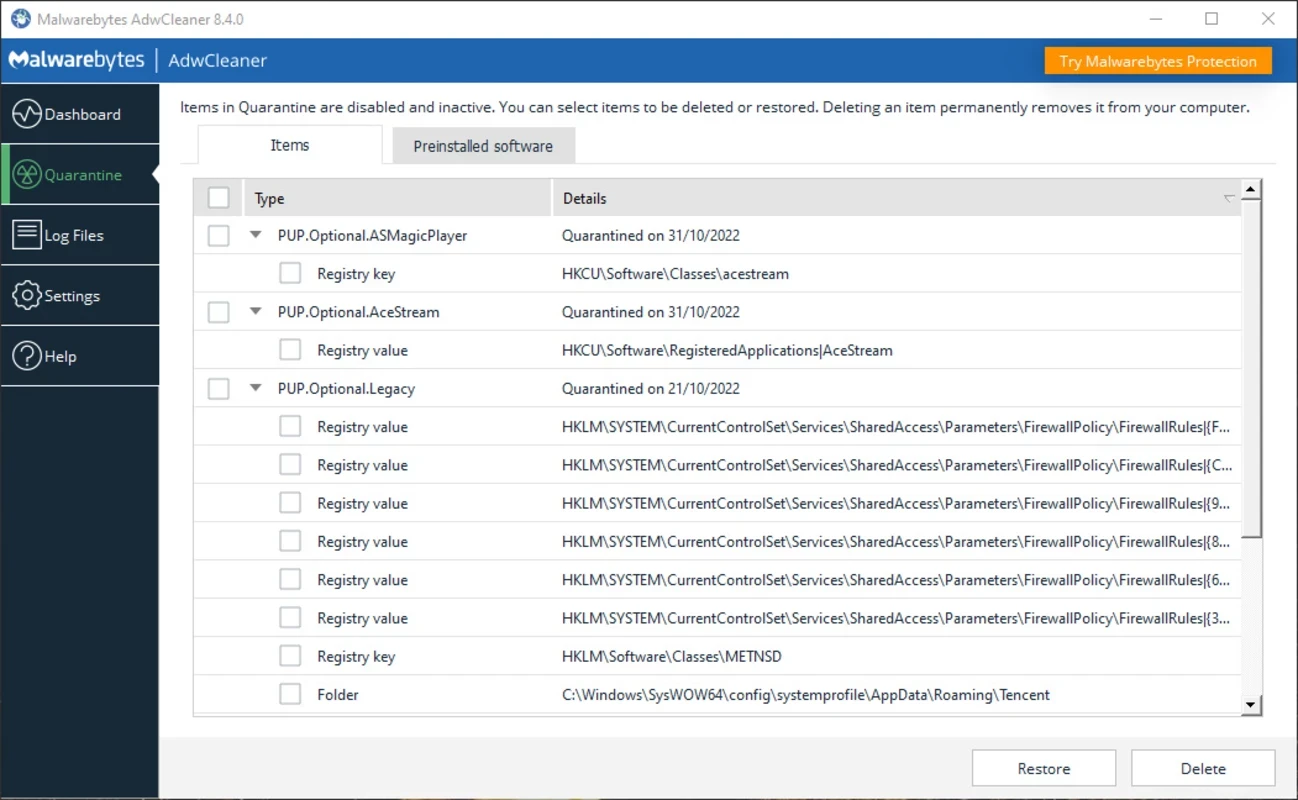
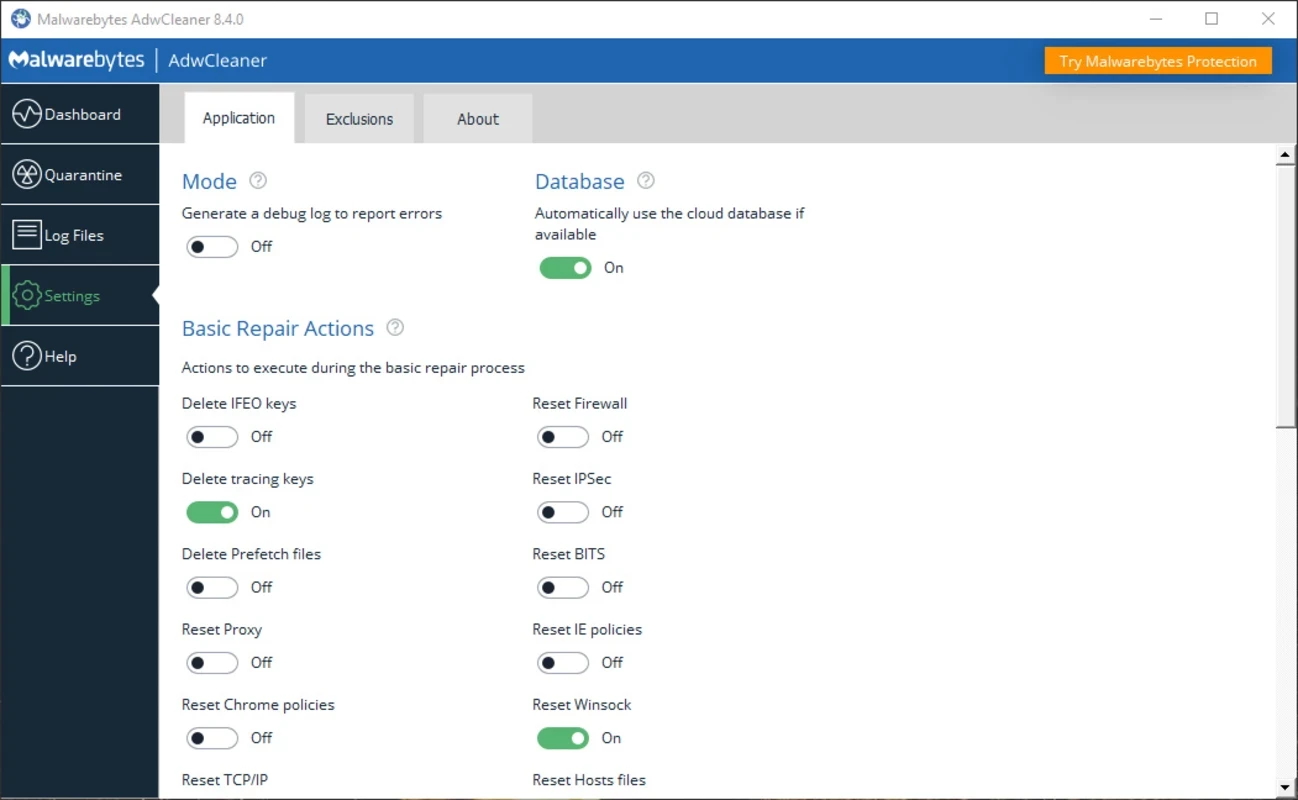
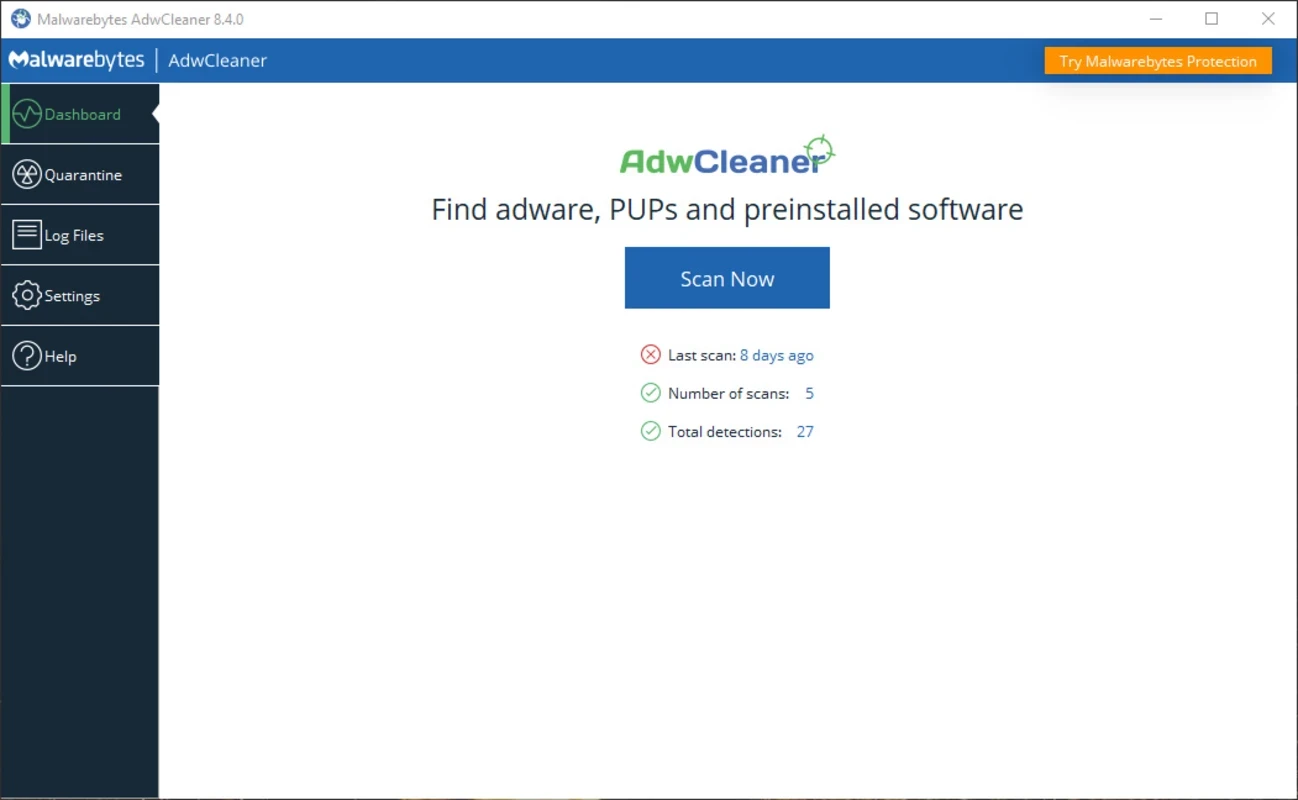
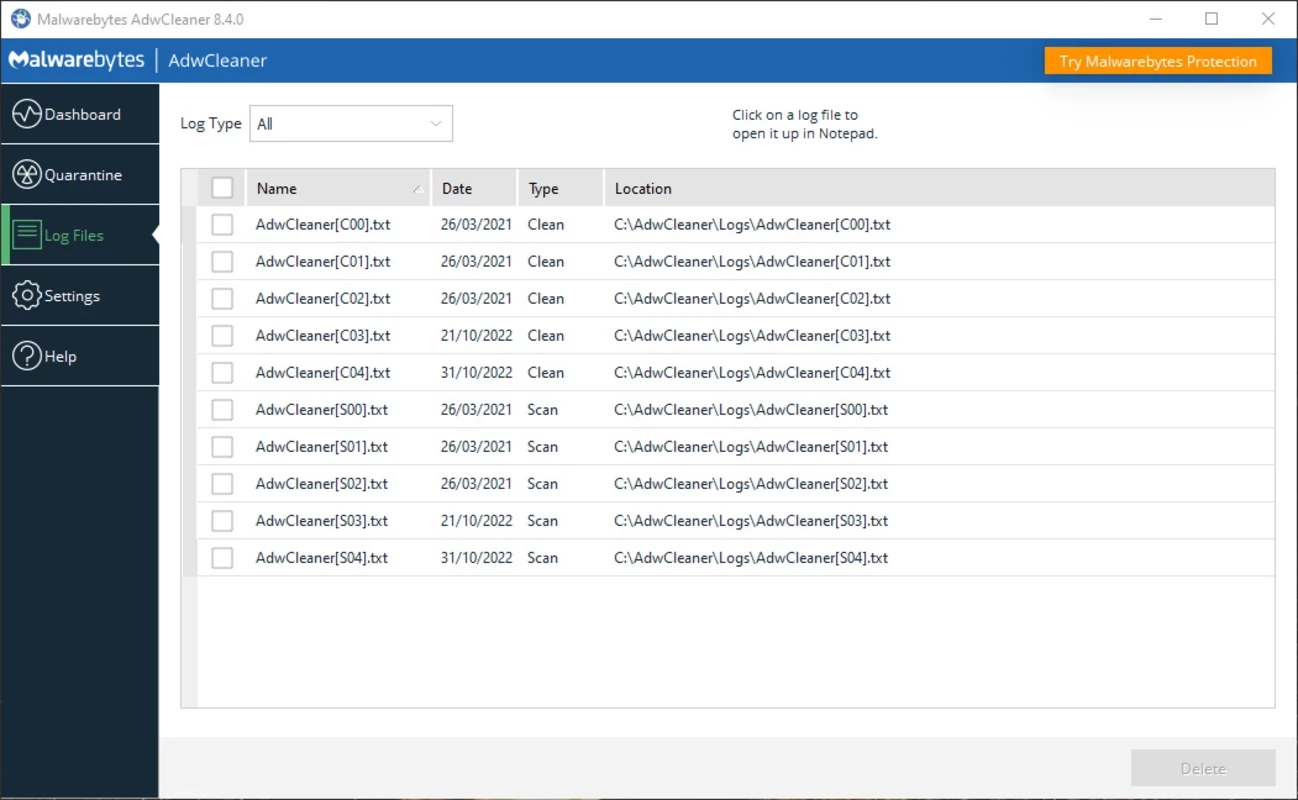
AdwCleaner 8.8.1.639 is a free Windows tool from Malwarebytes for cleaning unwanted software: adware, toolbars, browser hijackers and other programs you did not mean to install. It runs on demand rather than all the time, and you can download AdwCleaner from the official Malwarebytes website.
| Item | Details |
|---|---|
| Version | 8.8.1.639 |
| Developer | Malwarebytes |
| Supported systems | Windows 11, Windows 10, Windows 8.1 |
| No longer supported | Windows XP, Vista, 7 and 8 |
| Licence | Freeware |
| Size | about 9.18 MB according to catalogue data |
Unwanted software rarely arrives as an obvious virus. More often it comes bundled with a free program, hidden behind a pre-ticked box in an installer, and then changes your browser's start page, adds a search toolbar or shows pop-ups. A regular antivirus may ignore such programs because, strictly speaking, you agreed to install them. AdwCleaner is built for exactly this grey area. You run it when the browser starts behaving strangely, it scans the places where unwanted programs usually hide, and it shows a list of findings before removing anything. Because it does not stay in the background, it works well next to whatever antivirus you already use and does not slow the computer down between scans. It is a clean-up tool, not continuous protection, so combine it with careful installation habits.
Malwarebytes publishes the system requirements and notes for each release, for example AdwCleaner version 8.8.0.
Download programs from their developers' own websites instead of large download portals. During installation choose the custom or advanced option and untick every extra offer. Be cautious with browser extensions that promise coupons, weather or video downloads, and remove extensions you no longer use. If a website insists that your PC is infected and must be cleaned immediately, close the tab: real security tools do not advertise that way.
Fake "cleaners" are themselves a common form of unwanted software. Take AdwCleaner only from malwarebytes.com, and be suspicious of any similarly named tool that asks for payment to remove problems it has just found.
Our listings include Malwarebytes for broader malware scanning, and Avast Antivirus, AVG Antivirus, Bitdefender Antivirus and Norton Antivirus for continuous protection.
Avast Antivirus is a free antivirus program from Avast Software for Windows, also available for macOS, Android and other platforms.

Norton Antivirus is commercial antivirus and computer security software for Windows, available as a trial before purchase.

AVG Antivirus is a free antivirus for Windows from AVG Technologies with real-time scanning, web protection and optional paid features.

Avast Clear, also called the Avast Uninstall Utility, is a free Windows tool from Avast that fully removes Avast antivirus products when the standard uninstaller fails.

Adaware Antivirus is a Windows antivirus from Lavasoft, the company behind the long-running Ad-Aware anti-spyware tool, with a free edition.

Malwarebytes for Windows is anti-malware software that scans for and removes malware, ransomware, adware and unwanted programs.

Panda Antivirus is a security program for Windows from Panda Security, protecting against viruses and other malware.

UsbFix is a Windows tool from SOSVirus that detects and removes malware spread through USB flash drives and helps recover files the malware has hidden.